VEXORA-Code-AI
VEXORA Code AI
Browser-based developer workspace for generating, understanding, debugging, reviewing, and safely testing code with AI assistance.
VEXORA pairs a familiar IDE workspace with a server-side AI assistant and a separate, resource-limited code runner. It is built as a portfolio project for Python and JavaScript workflows, with private projects, editor tabs, AI actions, and an output panel.
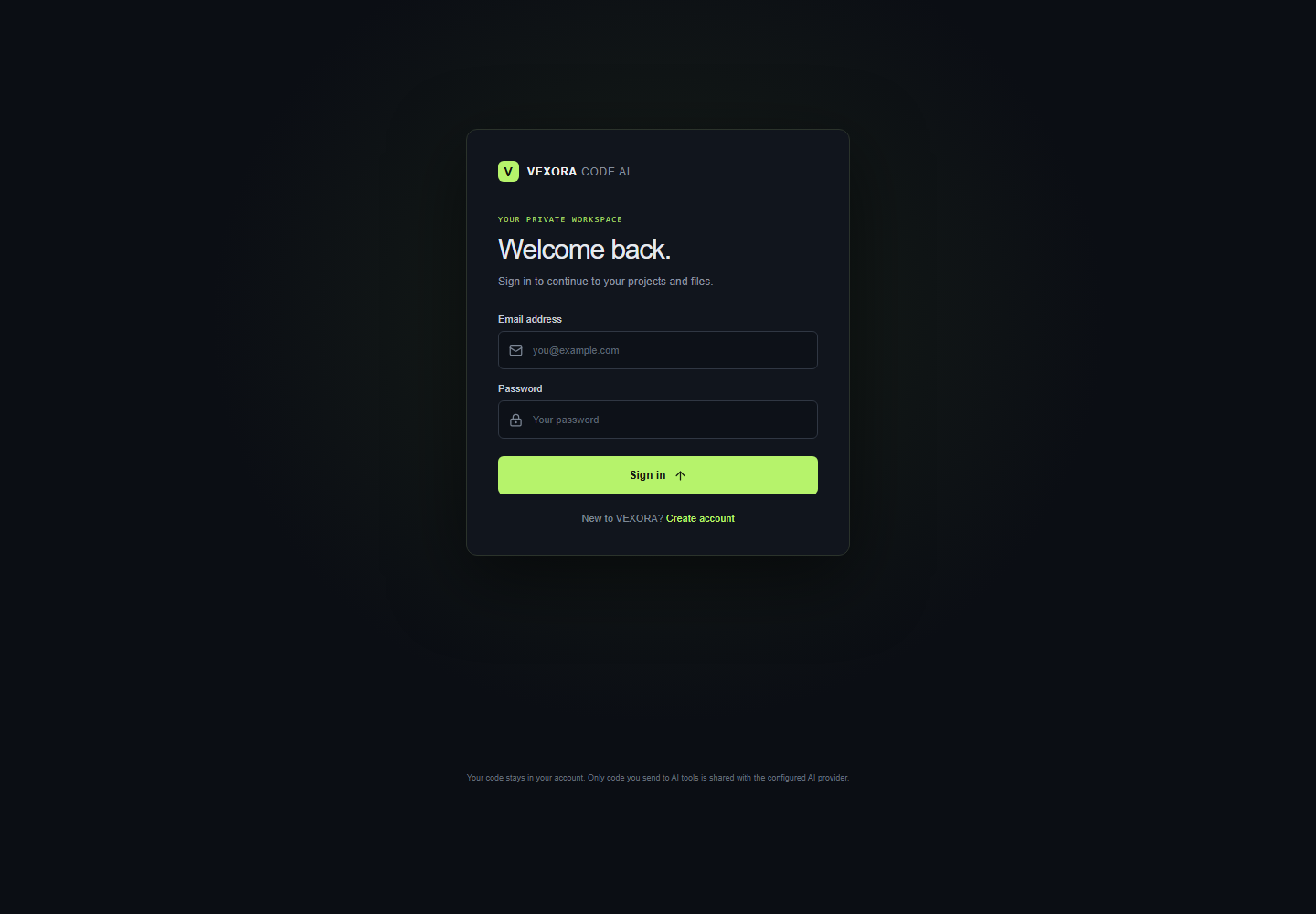
The screenshots show the authentication entry point. See the demo walkthrough to create a disposable local account and record the signed-in workspace without exposing real user data.
Project overview
- Workspace: responsive React/Monaco editor, file tree, tabs, AI panel, and output controls.
- API: Express, Zod validation, MySQL persistence, ownership checks, CSRF-protected sessions, and rate limits.
- AI: server-side generate, explain, fix, review, and optimize operations with bounded inputs and outputs.
- Execution: separate Python/JavaScript runner with fixed commands, network disabled, filesystem isolation, CPU/memory/process limits, timeout, and output cap.
- Operations: systemd service templates, Caddy HTTPS config, structured privacy-preserving request logs, and scheduled MySQL backup templates.
client/
  index.html
  src/{App.jsx,main.jsx,styles.css}
  src/{components/FileIcon.jsx,pages/Login.jsx,hooks/useFilePersistence.js,services/api.js}
server/
  src/{server.js,app.js,config.js,routes,middleware,repositories,services,db}/
database/{schema.sql,bootstrap.sql,migrations/}
sandbox/    tests/    docs/    deploy/
Production setup is in docs/deployment.md. The short portfolio demo script covers recording and screenshot capture.
See the deployment architecture for service boundaries and the runner trust boundary.
Phase 1 decisions
- Initial languages: Python and JavaScript. The workspace can discuss, edit, and run these through the isolated sandbox.
- Users and stories: A developer can choose a supported language, describe a task and get a code draft with a short explanation; select code and ask what it does; submit code with an error and review a proposed fix before applying it; request a review for possible bugs, readability, maintainability, and performance; create and switch files in a project and keep their contents.
- Design system: Dark developer canvas (
#0b0e14), raised panels (#11151d), subtle borders (#252b36), readable muted text (#9299a8), and lime action accent (#b6f36b). Space Grotesk for headings, DM Sans for interface text, and DM Mono for labels and code-oriented metadata. Use compact, calm surfaces with clear focus states and responsive layouts. - Repository structure:
client/src/browser app,server/src/API,database/schema and migrations, with tests, docs, sandbox, and deployment assets at the root. - Environment:
API_PORTconfigures the local API port (default3001).OPENAI_API_KEYis reserved for server-side use in Phase 5. Copy.env.exampleto.env; never put secrets inVITE_*variables or commit.env.
Run locally
Requires Node.js 20 or newer, npm, MySQL, and Docker Desktop (or a Docker Engine). Docker is required to execute files; other workspace features still start without it.
npm install
npm run sandbox:build
npm run dev
Open http://127.0.0.1:5173. The frontend proxies /api requests to the Express service at http://127.0.0.1:3001; check it at /api/health.
Phase 2 workspace
The browser workspace includes a responsive file explorer, Monaco editor with Python and JavaScript starter files, editable tabs, an AI panel, and Terminal/Output/Problems panels. Code runs only through the isolated runner described in Phase 7; terminal shell commands are disabled.
Phase 3 API foundation
The Express API loads and validates environment configuration at startup, applies Helmet security headers, allows browser origins from CORS_ORIGINS, limits JSON bodies and request rates, and returns a consistent JSON error shape. GET /api/health reports service status, timestamp, and process uptime. Reusable Zod request-validation middleware is available for feature routes. Unknown routes return JSON 404 errors, and unexpected errors do not expose stack details to clients.
Copy .env.example to .env to customize the settings:
NODE_ENV:development,test, orproduction.API_HOSTandAPI_PORT: bind address and port (defaults127.0.0.1:3001).CORS_ORIGINS: comma-separated browser origins (defaults to local Vite hostnames).RATE_LIMIT_WINDOW_MSandRATE_LIMIT_MAX: request window and per-IP allowance.JSON_BODY_LIMIT: maximum JSON request size (default1mb).OPENAI_API_KEY: server-only API credential. Never use aVITE_*name for this secret.
Phase 4 database and projects
MySQL persists users, projects, project files, and AI request metadata. SQL migrations are versioned in database/migrations/; the schema snapshot is database/schema.sql. The app connects through a bounded mysql2 pool. All project and file queries use placeholders, and every read, update, and delete scopes through the current owner. A file is only visible through a project owned by the same user. Project deletion cascades to its files; AI metadata keeps its user and clears its optional project link when that project is deleted.
The workspace loads the first owned project (creating starter-project and starter files on a new database), saves editor changes automatically, and lets you switch projects or create another from the project menu.
Set up a local MySQL database once:
- Create the database and least-privilege app account using
database/bootstrap.sqlas a MySQL administrator. Replace its example password first. - Copy
.env.exampleto.envand setDB_PASSWORDto the same value. - Set
SESSION_SECRET, then runnpm run db:migrateto create the tables. - Run
npm run devand use the project API routes below.
Project and file routes require an authenticated session. Every project and file query is scoped to the account id resolved from the server-side session; client-supplied owner ids are never trusted.
Project API (JSON responses use a data envelope):
GET /api/projects,POST /api/projectsGET /api/projects/:projectId,PATCH /api/projects/:projectId,DELETE /api/projects/:projectIdGET /api/projects/:projectId/files,POST /api/projects/:projectId/filesGET /api/projects/:projectId/files/:fileId,PATCH /api/projects/:projectId/files/:fileId,DELETE /api/projects/:projectId/files/:fileId
Projects accept name and optional description. Files accept a project-relative path, a language (python, javascript, markdown, or plaintext), and content. File paths reject absolute paths and traversal segments; duplicate paths in a project return 409.
Phase 5 AI integration
The assistant uses the OpenAI Responses API from the Express server. Set OPENAI_API_KEY in the ignored .env file and restart the API to activate live replies. OPENAI_MODEL selects the model (default gpt-6-astra); change it to a model enabled for your API project if needed. The browser never receives the key. AI requests are size-validated, limited to 10 per minute by default, and may include a projectId that is checked against the current owner. Source code and prompts are sent to the provider but are not stored in the AI metadata table; request action, model, token counts, duration, status, and safe error code are recorded.
Endpoints accept JSON and return { "data": { "action", "language", "text", "usage" } }:
POST /api/ai/generate:{ "prompt", "language", "projectId?" }POST /api/ai/explain:{ "code", "language", "question?", "projectId?" }POST /api/ai/fix:{ "code", "errorMessage", "language", "projectId?" }POST /api/ai/review:{ "code", "language", "focus?", "projectId?" }POST /api/ai/optimize:{ "code", "language", "goal?", "projectId?" }
Code and prompt limits are configurable through AI_MAX_CODE_CHARS and AI_MAX_PROMPT_CHARS; response size uses AI_MAX_OUTPUT_TOKENS. Missing credentials return 503 AI_NOT_CONFIGURED. Provider authentication, rate limit, network, and timeout failures return safe error messages without provider response bodies or secrets.
Development scripts
npm run devstarts the Vite frontend, API, and separate sandbox service with watch mode.npm run dev:clientstarts only the frontend.npm run dev:serverstarts only the API with watch mode.npm run dev:sandboxstarts only the loopback sandbox service.npm run sandbox:buildbuilds the constrained execution image (requires Docker).npm run start:sandboxstarts the sandbox service without watch mode.npm run buildcreates the production frontend bundle indist/.npm startstarts the API server.
Phase 6 authentication
Create an account in the browser with an email and a password of at least 12 characters. Passwords are salted and hashed with Node’s scrypt implementation. The API stores only a signed opaque session cookie in the browser; session identity and CSRF tokens are stored in MySQL and can be revoked at logout. Cookies use HttpOnly and SameSite=Lax, and production cookies are Secure. State-changing requests require a session-bound CSRF token. Project and AI endpoints require login and use the authenticated account for ownership checks.
Set SESSION_SECRET to a random value of at least 32 characters. Keep it secret and rotate it to revoke all existing sessions. SESSION_TTL_MS defaults to eight hours. Set TRUST_PROXY=true only when the API is behind a trusted HTTPS reverse proxy that sets forwarding headers correctly. Local development uses HTTP, so its cookie is not marked Secure.
Authentication endpoints: GET /api/auth/csrf, POST /api/auth/register, POST /api/auth/login, GET /api/auth/me, and POST /api/auth/logout. Registration and login are limited by IP. The session table is created by the normal migration command.
The API process does not execute user code; Phase 7 adds a separate restricted sandbox service.
Phase 7 controlled code execution
The Run control accepts only Python and JavaScript source, with a 20,000-byte input cap. The API requires an authenticated session and CSRF token, applies a per-process execution rate limit, and sends requests to the separate loopback sandbox service using a random shared secret. The runner accepts only two fixed command mappings (python3 -I -B - and node --no-warnings -); clients cannot supply shell commands, arguments, environment variables, mounts, or time limits.
Execution uses the vexora-execution:local Docker image. Build it with npm run sandbox:build, then start the app with npm run dev. The runner keeps no source files on the host and passes code to the container over standard input. Each container has no network, a read-only root filesystem, a 16 MiB temporary filesystem, no Linux capabilities, no-new-privileges, a non-root uid, 128 MiB memory/swap, 0.5 CPU, a 32-process limit, and a five-second maximum wall and CPU time. The image removes its shell and BusyBox applets; only the two language runtimes remain executable. Combined output is capped at 32 KiB. Containers are removed after execution, timeout, or output overflow. The Docker daemon and runtime image must be available; otherwise execution fails closed with 503 RUNNER_UNAVAILABLE.
Set SANDBOX_RUNNER_TOKEN to a separately generated random value of at least 32 characters in .env; it authenticates API-to-runner requests. SANDBOX_URL may point to a private runner endpoint when deploying the services separately. Remote runner URLs must use HTTPS; keep the endpoint on a private interface. SANDBOX_EXECUTION_TIMEOUT_MS can lower the wall-time limit but cannot exceed five seconds. The runner itself binds to loopback by default. This container setup is a defense-in-depth boundary and should run on a dedicated host or VM with an up-to-date Docker engine; Docker containers share the host kernel.
The terminal input accepts only the local help and clear controls. It does not execute shell commands. Use the Run button to execute the current Python or JavaScript file.
Phase 8 testing and hardening
Run npm test for the built-in Node test suite. It covers request schemas and size limits, unsafe project paths, authenticated identity resolution, owner-scoped parameterized project/file queries, safe database/provider error mapping, untrusted prompt handling, provider output truncation, and sandbox command/resource policy.
When Docker and the vexora-execution:local image are available, the suite also probes shell removal, network denial, host-file isolation, output caps, and execution timeouts. Those live container probes skip when Docker or the image is missing; build it with npm run sandbox:build before running that part. The static policy checks still run without Docker.
Phase 9 deployment and portfolio
Production templates are in deploy/: Caddy obtains HTTPS certificates and serves the built frontend, systemd keeps the API and runner alive, and a daily timer runs the restricted MySQL backup script. Follow docs/deployment.md to configure secrets, MySQL, the domain, logs, rate limits, runner isolation, backups, restore drills, and release checks.
Keep provider and session secrets server-side. The configured rate limits are per-IP and in-memory, suitable for a small single-instance portfolio deployment; use shared rate-limit storage and explicit user-level quotas before scaling across instances or opening broad public access. The demo script describes a safe local walkthrough and how to capture workspace screenshots.